
What is Making in K-12?
Tools are not the only part of Maker culture, but it's hard to make anything without them! 3D printers are just one example of how the Maker Movement has enriched the educational technology landscape in the last decade. High demand and improved technology for tools like 3D printers, CAD software, and microcomputers like Arduino have made them cheaper - and more accessible to a wider age range. Tools like these bring out the wizard in regular people, allowing even kids in elementary grades to design things that were once reserved for professionals in labs.
That said, along with the rise of digital fabrication, there is a renewed interest in hand-fabrication, using simpler shop and craft tools like saws, crochet hooks, and drills. Especially in societies that are saturated with smartphones, internet connectivity, and easy access to hi-tech, even the simplest tool can pique a child's natural curiosity. In several of our partner schools, we've seen growing numbers of boys ask to learn how to use sewing machines - often before the girls!
More important than the choice of tool is the access to tools and training - access sends the message to kids that they are respected as creators and expected to be learners. Basic tool training gives them the freedom of creative choice that eventually drives their learning. For an overview of various tools you might find in a Makerspace - including 3D printers and more - check out our tool guide.
Formal K-12 education systems based on standards of knowledge and ability are too often used to divide and undervalue students based on a small set of measurable skills. Maker projects, by contrast, are inherently open-ended, hands-on, playful activities. Students can express newfound skills and knowledge by creating a work of art or a functional invention. In the process of Making, students often learn more deeply about core content because they begin to ask their own questions in order to Make things they care about.
In these ways, Making promotes rich learning experiences - hard to measure on tests, but essential practice for real-world experiences awaiting students.
The essence of the Maker movement is democratizing innovation: giving everyone the tools to create, the courage to fail, and the empathy to solve problems as a community. Our success as a civilization may depend on our ability to empower all people and work together for a common good.
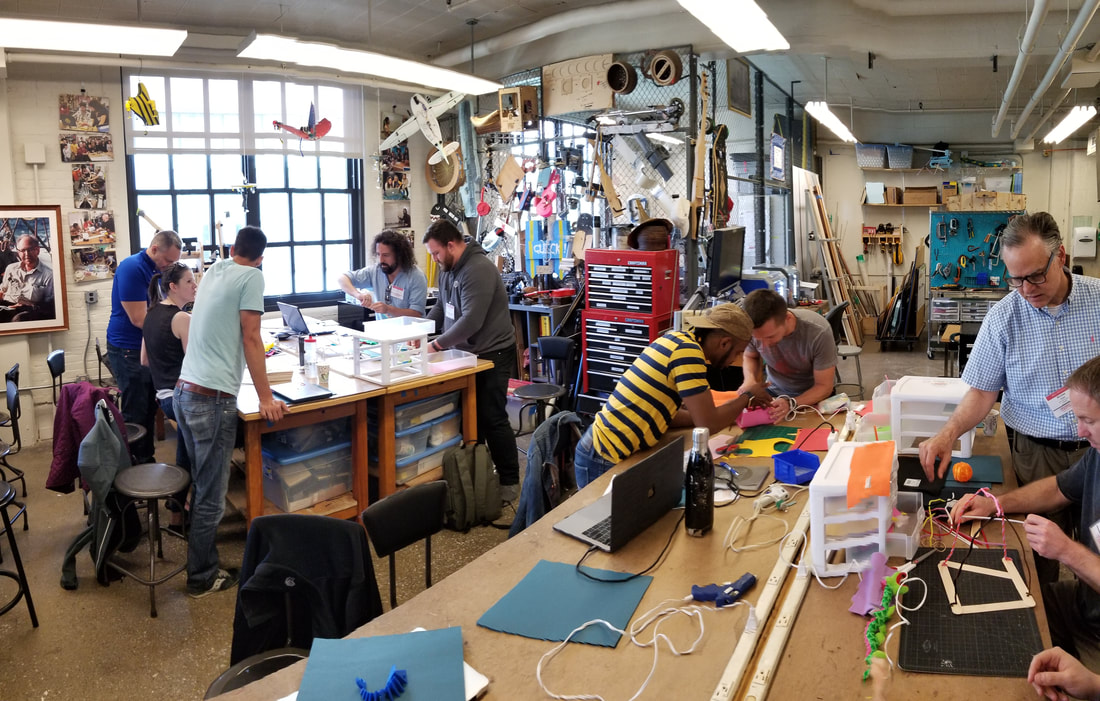
Articles & Books
Read up on Making in the classroom, project inspiration, Makerspace design, and making a case for Making in your school.


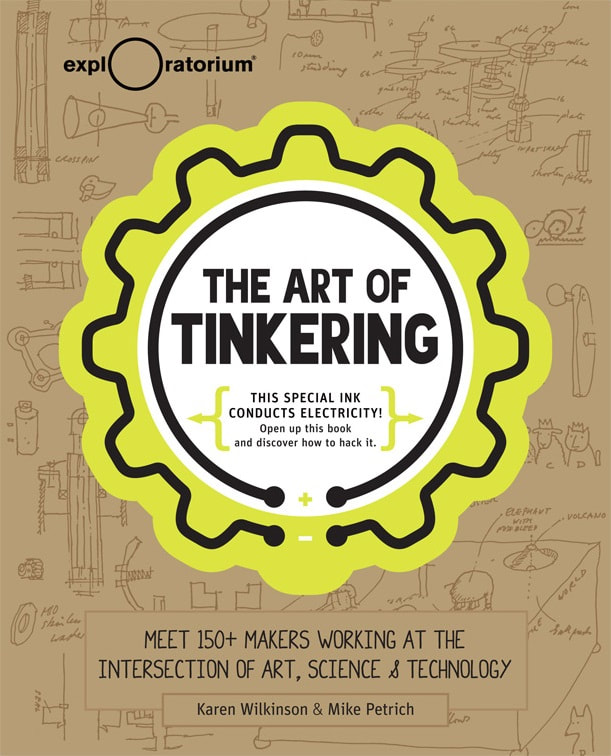


What we do at the K-12 Maker Lab
The K-12 Maker Lab team is here to help K-12 classroom educators create and deliver fun, enriching Maker experiences to all of their students - no matter what subject they teach. We offer
- free starter activities with step-by-step tutorials
- free reference materials for using common Maker tools and running safe, effective Makerspaces
- training workshops for teachers and other K-12 educators
We work directly with other K-12 educators to collect and co-design resources. Everything you see in our Maker Methodology has been piloted by a dedicated team of teachers and administrators, and we're proud to showcase Maker projects from real K-12 classrooms in our Idea Gallery.
The K-12 Maker Lab Team

Diane is passionate about the potential of Makerspaces to improve education. She works intensively to support teachers integrating maker into their regular curriculum and in using Makerspaces to engage and empower students. Her formal technical training includes a BS in Electrical Engineering and Computer Science from Princeton University and a Master’s degree in Mechanical Engineering from MIT. Working as a product design consultant at several engineering companies, she developed skills in creative problem solving, project management, and fabrication. Diane went into education as a career after serving as an instructor for summer programs at the Edgerton Center. She has now returned with 15 years of experience in teaching technology and engineering design, computer science, and general science in public middle and high-school classrooms. With Ed, Diane co-teaches a popular freshman advising seminar entitled “Engineering, Art, and Science."

As part of the K-12 Maker Lab, Jamie creates resources and experiences that empower teachers to bring hands-on project based learning into their classrooms, regardless of the subject they teach. Her work is informed by the conservatory model, which centers adaptive intelligence, transdisciplinary problem-solving, and the integration of knowledge and skills.
Outside of the Makerspace, Jamie is a mezzo-soprano who sings professionally with numerous opera companies and choruses.
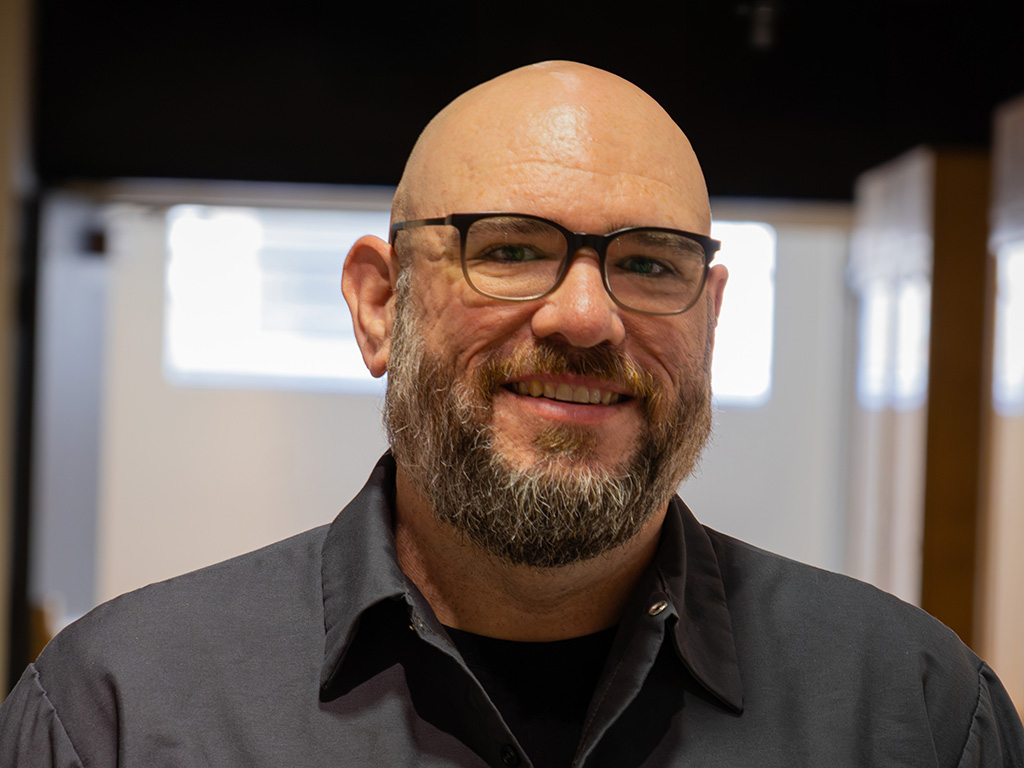
Since he was old enough to pick up a screwdriver, Justin has been making things, breaking things, and occasionally managing to fix things. Before coming to the Edgerton Center, he established and led a middle school Makerspace where he collaborated with teachers across all subject areas to design and deliver engaging Maker-ed projects to their students. He also taught classes in design thinking, electronics, video production, and photography and ran after-school Maker clubs. Justin has also worked with Parts and Crafts, a kid-centered community Makerspace and Un-school in Somerville, MA, and as a community access facilitator at Fabville, the Somerville High School's Fab Lab.
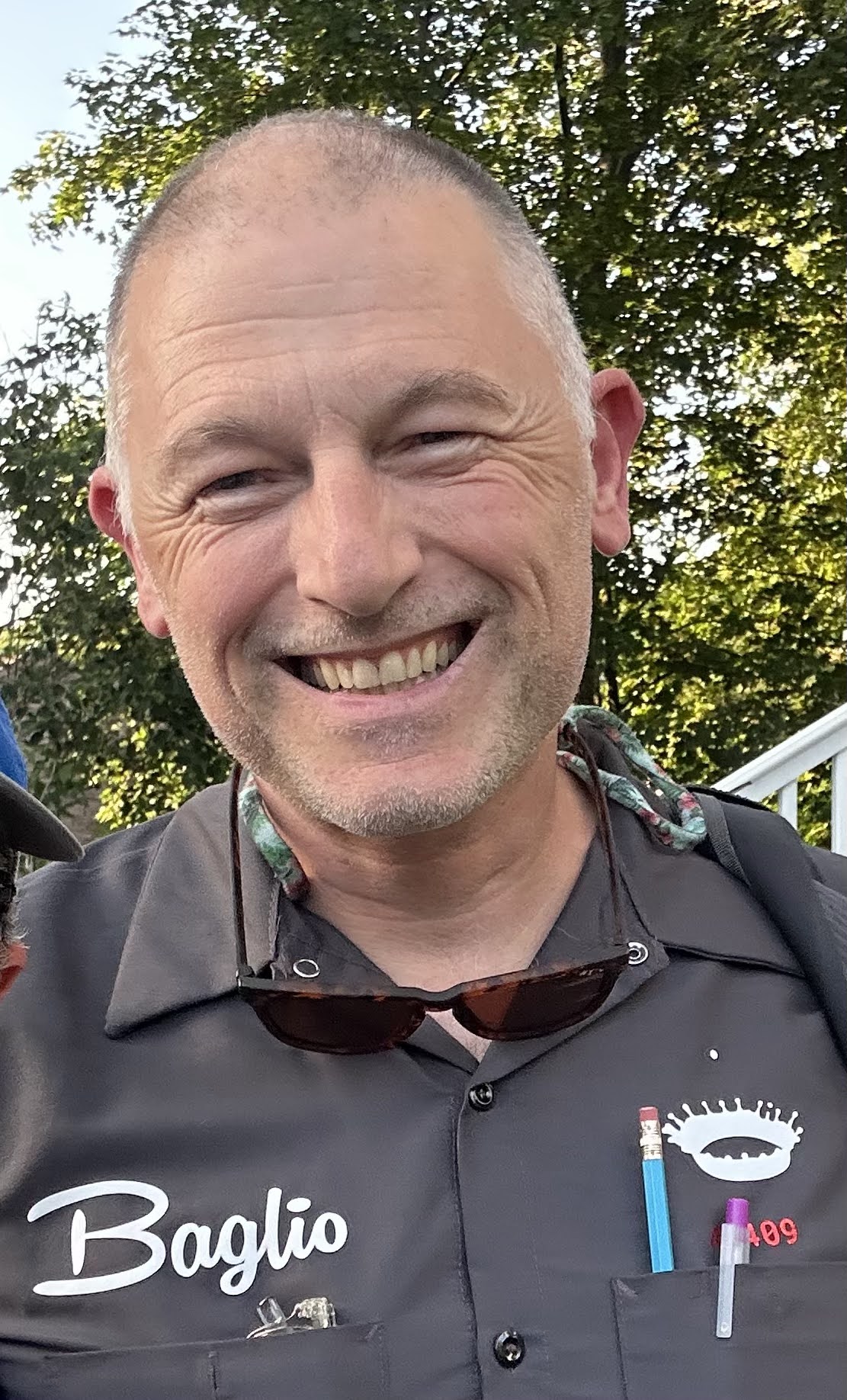
John Baglio is a veteran STEM educator with 24 years of experience at the Ethical Culture Fieldston School in New York City, where he founded the Design Studio and teaches Middle and Upper School Engineering. John first connected with the MIT Edgerton Center in 2018 through the "Master Making in the Classroom" program. Since 2023 he has been a Visiting Instructor, coaching fellow educators on how to bridge the gap between "just making stuff" and more traditional forms of learning. John specializes in the thoughtful integration of maker technology into multidisciplinary, long-term project-based units. He loves helping kids invent things and develop a sense of agency. He claims that cardboard is his spirit animal.
Contact
Email us directly at k12maker@mit.edu
Mailing Address
Edgerton Center
Massachusetts Institute of Technology
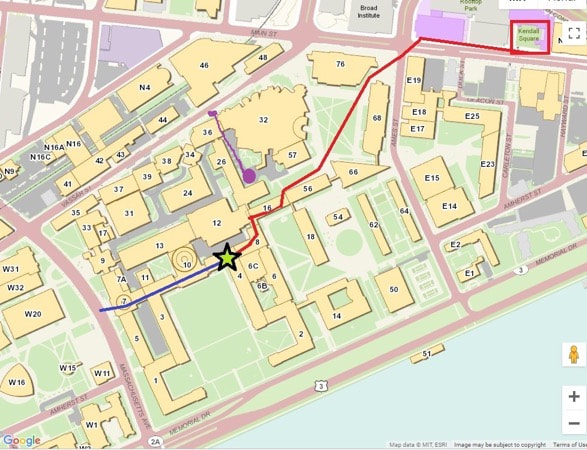
77 Massachusetts Ave., Room 4-406
Cambridge, MA 02139
(617)253-4629
Find us in Strobe Alley at the MIT Edgerton Center
We are headquartered in the Edgerton Center Student Project Lab in room 4-409 on the 4th floor of building 4.

.png)



.svg)